Category: Creator

Resources for YouTube, TikTok, Instagram, video creation, thumbnails and social media.

  • Social Media Character Limits for Every Platform (2026 Reference)

    Social Media Character Limits for Every Platform (2026 Reference)

    Exact limits for every major platform

    • X / Twitter: 280 characters (threads up to 25 posts)
    • Instagram bio: 150 characters
    • Instagram caption: 2,200 characters
    • LinkedIn post: 3,000 characters
    • Facebook post: 63,206 characters (first ~125 shown before “See more”)
    • TikTok description: 2,200 characters
    • YouTube title: 100 characters (keep under 60 so it isn’t cut off)

    Meta description and title limits

    Google truncates by pixel width, not characters: aim for 150–160 characters on descriptions and 50–60 characters on titles. Write our Meta Description Generator a preview of exactly how your snippet will look in search results.

    Hashtag character counts

    Remember each hashtag includes the # symbol in the count. On X, hashtags over about 25 characters rarely get used and eat your budget. Use the Character Counter to watch your limit live while drafting.

    Tips to stay inside limits without losing meaning

    1. Draft first, trim later — never write straight into the tiny box.
    2. Replace phrases: ‘in order to’ → ‘to’, ‘use’ instead of ‘make use of’.
    3. Drop adverbs and filler words (‘really’, ‘just’, ‘very’).
    4. Let link shorteners handle URLs — they don’t cost you 100 characters.
    5. For bios, front-load keywords: the first 60 characters matter most.
    Back to all posts

  • Video Aspect Ratios Explained: 16:9, 9:16 and 4:5

    Video Aspect Ratios Explained: 16:9, 9:16 and 4:5

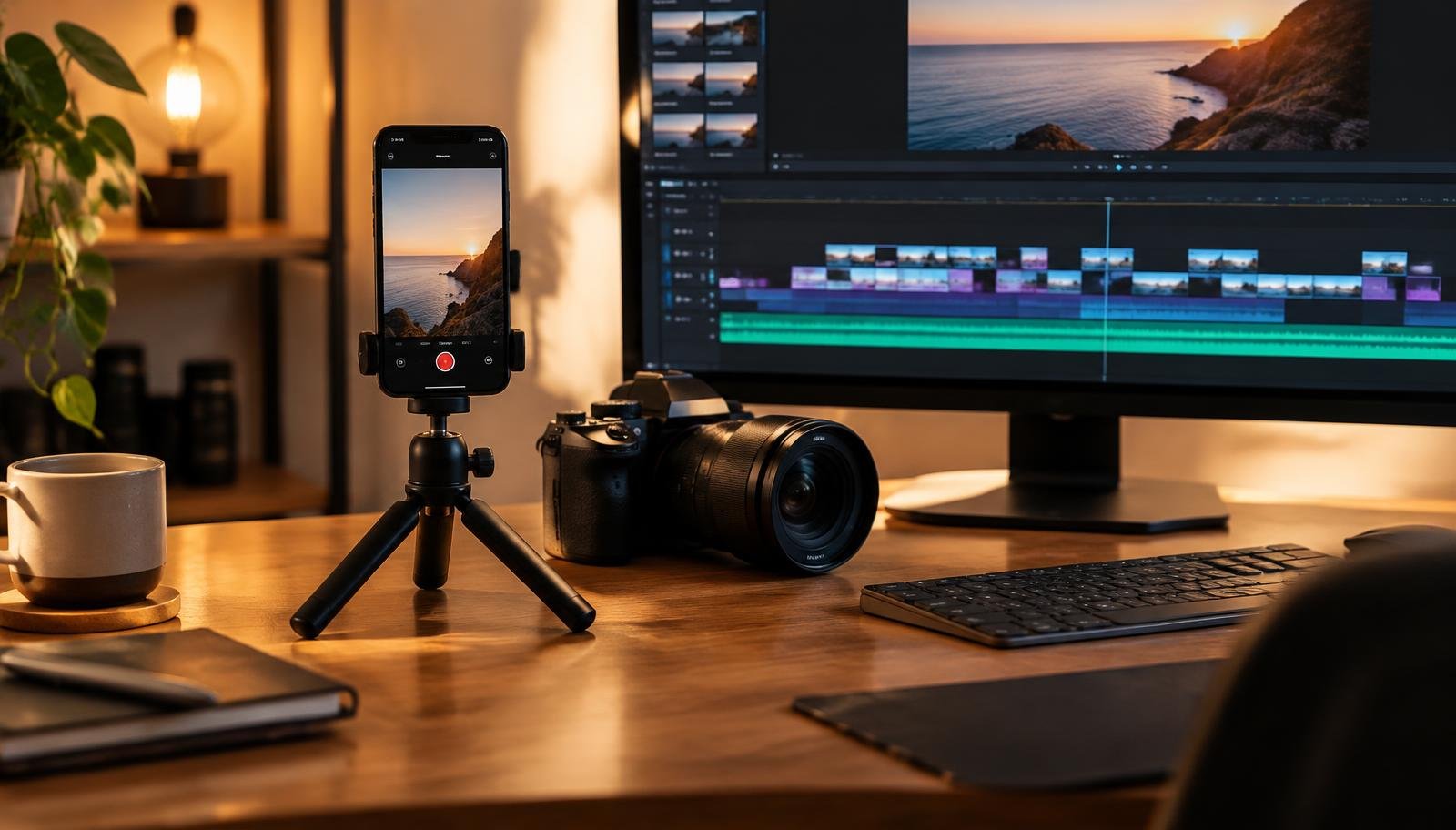
    Phone on a small tripod beside a camera and a video editing timeline

    You film something you’re proud of, upload it, and the platform crops off half your face. Or it sits in a tiny box with thick black bars around it. Nine times out of ten, the culprit is the aspect ratio.

    Aspect ratio is simply the shape of the video: width compared to height. Get it right before you hit record and you’ll save yourself a lot of re-editing.

    The three shapes you’ll use most

    • 16:9 (wide) — the classic YouTube and TV shape. Use it for tutorials, vlogs, and anything people watch on a laptop or TV.
    • 9:16 (tall) — the phone-screen shape. TikTok, Instagram Reels and YouTube Shorts are built around it.
    • 1:1 or 4:5 (square-ish) — good for regular Instagram and Facebook feed posts. 4:5 takes up a little more of the screen as people scroll.

    Which one for which platform?

    • YouTube long videos: 16:9, e.g. 1920×1080.
    • YouTube Shorts, TikTok, Reels: 9:16, e.g. 1080×1920.
    • Instagram feed: 4:5 (1080×1350) or 1:1 (1080×1080).
    • LinkedIn and X: 16:9 or 1:1 both work fine.

    Platforms change their recommendations from time to time, so it’s worth checking their help pages if something looks off.

    Filming for more than one platform

    If you want one shoot to become both a YouTube video and a Short, film in 16:9 but keep the important stuff — your face, the product, the text — in the middle of the frame. That way you can crop a tall 9:16 version later without losing anything.

    The other route is to shoot tall on your phone and put a blurred or coloured background behind it for YouTube. It works, but it rarely looks as good as a proper wide shot.

    Watch the edges

    Tall videos have buttons, captions and usernames drawn over the bottom and right side. Keep titles and key text away from those edges, or they’ll end up hidden under a like button.

    A simple habit

    Before you press record, ask yourself one question: where will people mostly watch this? Answer that, pick the matching shape, and you’ve already avoided the most common mistake new creators make.

    Back to all posts