
Category: AI Tools

Practical AI utilities for writing, images, video, audio, productivity and code.

  • 15 Best Free AI Tools for Small Businesses in 2026

    15 Best Free AI Tools for Small Businesses in 2026

    Small businesses can save 10+ hours every week by using the right free AI tools. In this guide we tested dozens and shortlisted 15 that genuinely deliver — no hype, no forced sign-ups.

    Writing & content

    • ChatGPT free tier — drafting emails, product descriptions and social posts.
    • Grammarly Free — grammar and tone checking while you write.
    • Our own Word Counter and Meta Description Generator — quick SEO checks without leaving your browser.

    Design & images

    • Canva Free — templates for every social platform.
    • Remove.bg — background removal in one click.
    • TinyPNG — image compression; or use our private Image Resizer which never uploads your files.

    Productivity & operations

    • Notion AI (trial) — meeting notes and summaries.
    • Zapier free plan — automate handoffs between apps.
    • Google Gemini — research inside Workspace.

    Marketing & SEO

    • Rank Math / Yoast — on-page SEO guidance.
    • Google Search Console + GA4 — free and essential.
    • AnswerThePublic style ideation — find questions your customers ask.

    How to choose

    Pick one tool per problem, master it for 30 days, then expand. Stacking five half-used tools wastes more time than it saves. Read our companion guide on SEO basics: title and meta description to get found by customers.

    Back to all posts

  • Video Aspect Ratios Explained: 16:9, 9:16 and 4:5

    Video Aspect Ratios Explained: 16:9, 9:16 and 4:5

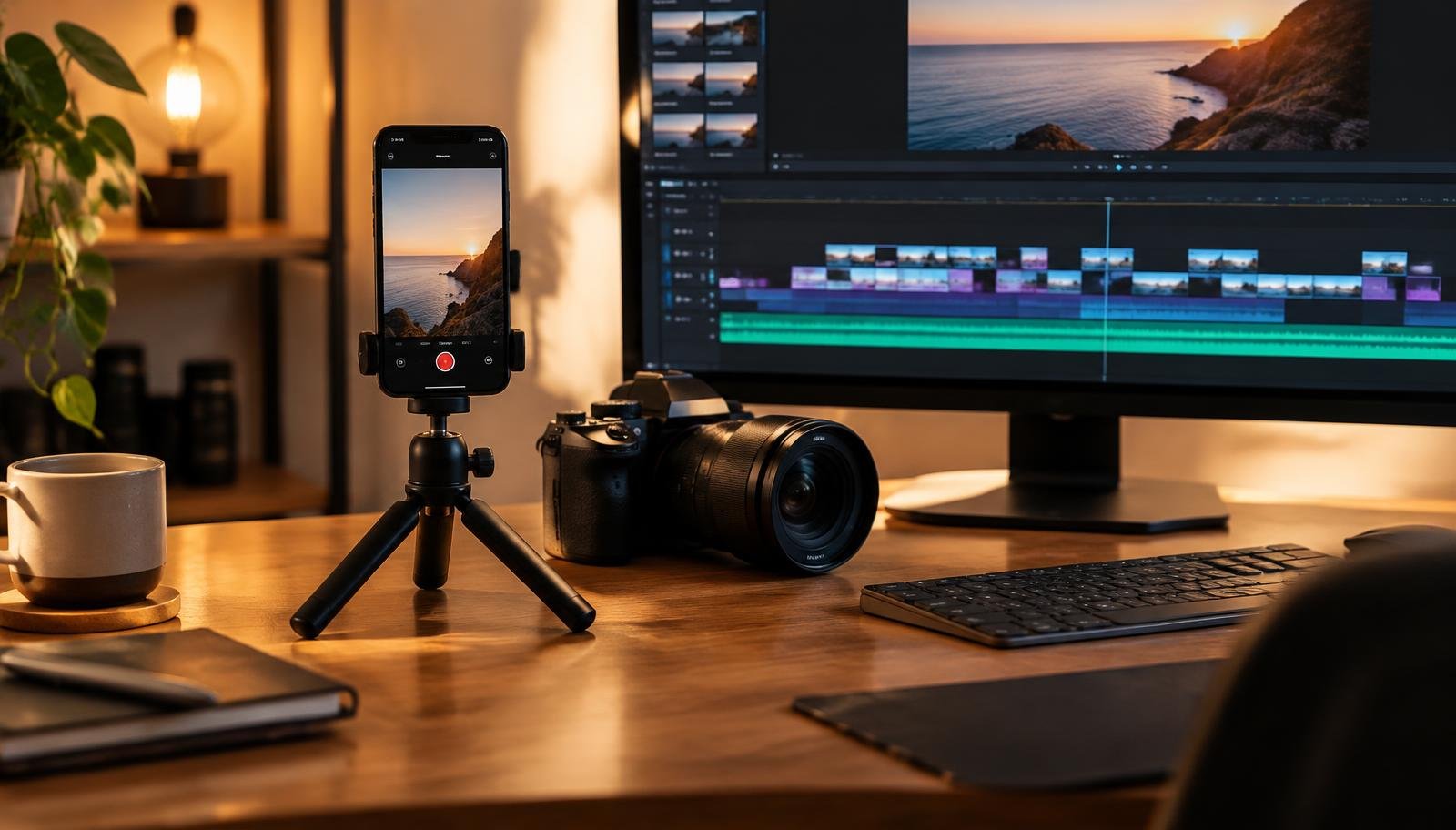
    Phone on a small tripod beside a camera and a video editing timeline

    You film something you’re proud of, upload it, and the platform crops off half your face. Or it sits in a tiny box with thick black bars around it. Nine times out of ten, the culprit is the aspect ratio.

    Aspect ratio is simply the shape of the video: width compared to height. Get it right before you hit record and you’ll save yourself a lot of re-editing.

    The three shapes you’ll use most

    • 16:9 (wide) — the classic YouTube and TV shape. Use it for tutorials, vlogs, and anything people watch on a laptop or TV.
    • 9:16 (tall) — the phone-screen shape. TikTok, Instagram Reels and YouTube Shorts are built around it.
    • 1:1 or 4:5 (square-ish) — good for regular Instagram and Facebook feed posts. 4:5 takes up a little more of the screen as people scroll.

    Which one for which platform?

    • YouTube long videos: 16:9, e.g. 1920×1080.
    • YouTube Shorts, TikTok, Reels: 9:16, e.g. 1080×1920.
    • Instagram feed: 4:5 (1080×1350) or 1:1 (1080×1080).
    • LinkedIn and X: 16:9 or 1:1 both work fine.

    Platforms change their recommendations from time to time, so it’s worth checking their help pages if something looks off.

    Filming for more than one platform

    If you want one shoot to become both a YouTube video and a Short, film in 16:9 but keep the important stuff — your face, the product, the text — in the middle of the frame. That way you can crop a tall 9:16 version later without losing anything.

    The other route is to shoot tall on your phone and put a blurred or coloured background behind it for YouTube. It works, but it rarely looks as good as a proper wide shot.

    Watch the edges

    Tall videos have buttons, captions and usernames drawn over the bottom and right side. Keep titles and key text away from those edges, or they’ll end up hidden under a like button.

    A simple habit

    Before you press record, ask yourself one question: where will people mostly watch this? Answer that, pick the matching shape, and you’ve already avoided the most common mistake new creators make.

    Back to all posts

  • SEO Basics: Writing Title Tags and Meta Descriptions That Get Clicks

    SEO Basics: Writing Title Tags and Meta Descriptions That Get Clicks

    Hands typing on a laptop with search results on screen

    When you search for something, the first thing you see from each website is two small bits of text: a blue title and a short grey description underneath. That’s it. That’s your shop window. And a surprising number of sites leave it to chance.

    The good news: fixing it doesn’t need any technical skill. You just need to write two short pieces of text well.

    What the title tag does

    The title tag is the clickable headline in search results. It also shows up on the browser tab. Google uses it to understand what the page is about, and people use it to decide whether to click.

    A few habits that help:

    • Put the main topic near the start. “Word counter — count words and characters free” is clearer than “Welcome to our website”.
    • Aim for roughly 50–60 characters. Longer titles get cut off with “…”.
    • Write a different title for every page. Duplicate titles confuse search engines and readers.
    • Add your brand at the end if there’s room, like “| AZEONIX”.

    What the meta description does

    The meta description is the short summary under the title. Google doesn’t promise to use it — sometimes it picks a sentence from your page instead — but when it does, it’s your chance to explain why the page is worth a click.

    • Keep it around 140–160 characters.
    • Describe what the reader gets, in plain words.
    • Be honest. If the description promises something the page doesn’t deliver, people bounce straight back.

    A quick before and after

    Before: Title: “Home”. Description: none.

    After: Title: “Free PDF Merger — Combine PDF Files in Your Browser | AZEONIX”. Description: “Merge several PDF files into one in seconds. Works in your browser, no sign-up needed.”

    Same page, but the second version tells a searcher exactly what they’ll find.

    How to set them in WordPress

    WordPress uses your post title by default. To write a custom title and description, most people install an SEO plugin such as Yoast SEO or Rank Math. Both add a box under the editor where you can type them and preview how the result might look.

    Don’t overthink it

    Titles and descriptions won’t rescue a weak page, and they won’t get you to the top overnight. What they do is make sure that when Google does show your page, people understand it and want to click. Ten minutes per page is usually enough.

    Back to all posts